Mac service

Mac File Organization for Downloads, Folders, and Documents

A Mac can hold years of documents, photos, downloads, and project folders without a clear home for any of them. CleanMac Care helps California customers design a folder structure, sort crowded Downloads and Desktop areas, and review duplicate files. We do not run automatic duplicate deletion. You decide what is merged, moved, or left alone.
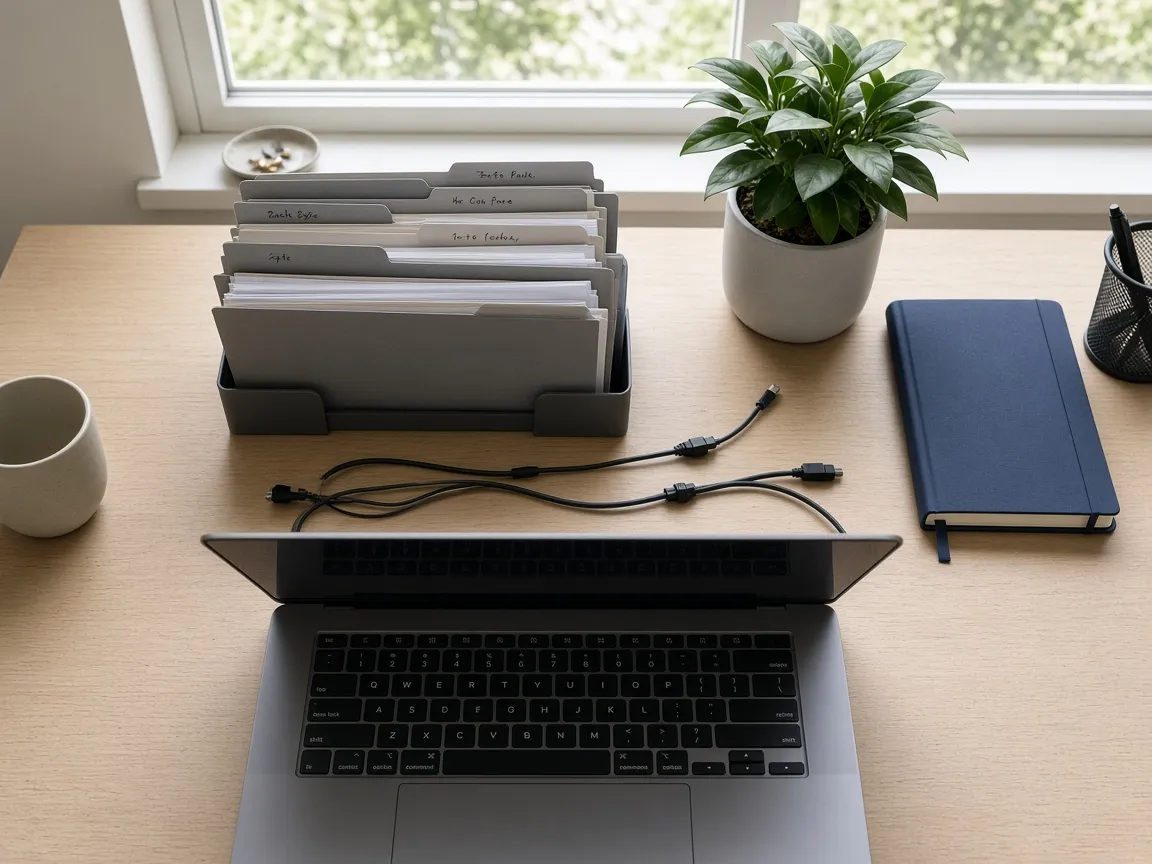
Overhead view of an organized desk with notebooks, folders, and a laptop keyboard in natural light.

Problems

Organization problems this service is meant to address

01

The Desktop and Downloads folders are unmanageable

Screenshots, installers, and working files often land in the same two folders until they are hard to scan.

02

Documents exist in several copies

Email attachments, synced folders, and exported duplicates can leave you unsure which copy is current. Automatic deletion would be the wrong first step.

03

Project files are spread across too many places

Work can sit in iCloud Drive, local folders, external disks, and app-specific libraries at the same time.

04

There is no plan for where new files should go

A one-time tidy-up fades unless the folder names and habits are simple enough to keep using.

Overhead view of an organized desk with notebooks, folders, and a laptop keyboard in natural light.

Scope

What file organization work includes

  • Mapping where documents, downloads, and media currently live.
  • Proposing a folder structure that matches how you actually work.
  • Sorting Downloads, Desktop, and other catch-all locations with your direction.
  • Reviewing likely duplicate files and comparing them before any removal.
  • Planning where large media should live, including local folders or an external drive.
  • Optionally summarizing the folder structure so you can maintain it later.

Process

A practical organization process

1

Explain how you look for files today

Search, Desktop piles, and app-specific libraries are all valid starting points. The goal is a structure you will actually use.

2

Group before you delete

We sort files into proposed folders first. Removal is optional and only happens with approval after you have seen what would go away.

3

Compare duplicates carefully

If two files look similar, we compare names, dates, and sizes with you. Nothing is bulk-deleted by a duplicate finder acting on its own.

4

Set a simple rule for new files

A small set of folders and a Downloads review habit are more useful than a complex scheme that is hard to keep.

Remote support for this service

Remote organization works when you can share the relevant folders and stay involved in naming and approval. Large photo or video libraries may take more than one session.

On-site support for this service

On-site organization can be easier when papers, external drives, and the Mac all need to be sorted together. Availability depends on location and scheduling after review.

Preparation recommendations

  • Back up important documents before moving large groups of files.
  • List folders that should remain exactly as they are, such as legal or financial archives.
  • If you use iCloud Drive or another sync service, mention it so moves are not made in a way that surprises other devices.
  • Block enough time. Organizing years of files is usually not a ten-minute task.

Limitations

  • File organization does not include automatic duplicate deletion.
  • We cannot reconstruct a filing system for data that was never saved or that lives only in an app you cannot open.
  • Moving files that are actively synced can cause copies to appear on other devices; we will discuss that before large moves.
  • This is not a records-retention or legal-hold service.

Questions about file organization

These answers are specific to this service. General scheduling and authorization questions are on the FAQ page.

Will you remove duplicate files for me automatically?

No. Duplicates are reviewed with you. Similar names do not always mean identical files, so bulk automatic deletion is not part of this service.

Can you organize photos and documents in the same visit?

Sometimes, if the libraries are small. Larger photo libraries often need a focused session so documents and media are not mixed together carelessly.

What if I want a simpler Desktop but need files nearby?

We can keep a small working folder on the Desktop or in Documents and move finished work into longer-term folders. The structure should match how you work, not a generic template.

Request this service

Tell us about the Mac and the issue. We will review the request before confirming remote or on-site next steps.

Required fields are marked with *. Do not include Apple ID passwords, macOS administrator passwords, or payment details. Submitting this form does not confirm an appointment.

Optional. Used only if we need to discuss scheduling after the request is reviewed.
Describe what you are noticing, such as low storage, slow login, or disorganized files. Keep passwords out of this field.

Request Mac assistance in California

Describe the issue, choose remote or on-site preference, and we will review the request before any session is scheduled.